IPad For Work: Expert Guide To Boost Productivity
Unlock the full potential of iPad in your professional life with powerful apps, seamless collaboration, and enterprise-grade features for 2026.
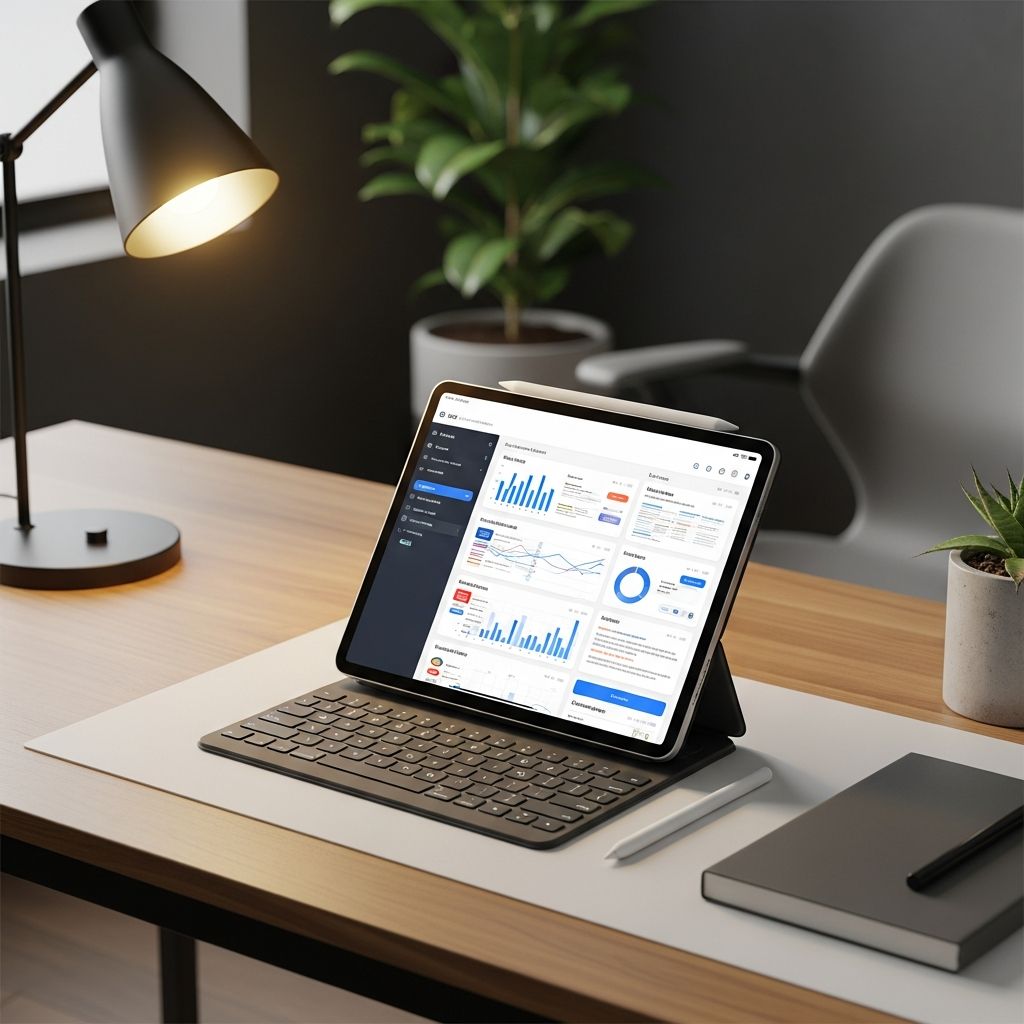
iPad for Work: Boost Productivity
The iPad has evolved from a consumer device into a robust platform for professional use, offering portability, powerful performance, and seamless integration with business tools. With Apple silicon delivering game-changing speed and features like 5G connectivity, iPads enable workers to stay productive anywhere, from remote setups to collaborative office environments.
Why iPad Excels in Professional Environments
iPads stand out for their versatility in handling demanding tasks. The large, immersive display paired with Multi-Touch gestures allows for intuitive navigation, while support for Apple Pencil and keyboards turns the device into a full-fledged workstation. Apple designs iPad to work hand-in-hand with Mac and iPhone, enabling features like Handoff for seamless task continuation and Sidecar for using iPad as a secondary display.
In enterprise settings, iPads facilitate real-time collaboration. Speedy Wi-Fi and 5G ensure reliable access to documents and cloud services, making it ideal for teams working remotely or on the go. The Files app centralizes content from iPad, iCloud, and services like Box, streamlining organization and sharing.
- Portability: Lightweight design supports mobile work without sacrificing power.
- Performance: Apple silicon handles multitasking, video editing, and AI workloads efficiently.
- Connectivity: 5G and Wi-Fi keep users linked to essential resources.
Essential Apps for Daily Workflows
Curate a suite of apps to maximize iPad’s utility. Productivity hinges on tools that handle notes, documents, presentations, and communication effectively.
| App Category | Recommended Apps | Key Benefits |
|---|---|---|
| Document Editing | Pages, Microsoft Word | Real-time collaboration, offline access |
| Presentations | Keynote, PowerPoint | High-fidelity rendering, Apple Pencil annotations |
| Spreadsheets | Numbers, Excel | Complex formulas, data visualization |
| Communication | Slack, Microsoft Teams | Video calls, file sharing |
Start meetings with FaceTime or Zoom for crystal-clear video, leveraging the front-facing camera optimized for portrait and landscape modes. For note-taking, apps like GoodNotes or Notability support handwriting recognition, converting sketches to text instantly.
Mastering Multitasking on iPadOS
iPadOS shines with advanced multitasking, allowing multiple apps to run simultaneously. Split View positions two apps side-by-side, while Slide Over keeps a third app floating for quick access. Stage Manager, refined in recent updates, organizes windows like a desktop, supporting external displays for expanded workspaces.
Recent enhancements include background tasks for apps like Final Cut Pro, enabling exports without tying up the interface. Expect iPadOS 26 to refine Liquid Glass effects and Spotlight for action execution, boosting efficiency further.
- Use Quick Note for instant capture without leaving your current app.
- External storage via USB-C expands capacity for large files.
- Universal Control moves cursor across iPad and Mac with one keyboard.
Integrating AI for Smarter Workflows
AI transforms iPad into an intelligent assistant. Tools like Recall automatically organize notes, videos, podcasts, and articles into a connected system, replacing fragmented apps like Notion or Obsidian. Chat with your notes to extract insights, generate quizzes from study materials, or search instantly across content.
In business, Apple Intelligence powers summaries, writing assistance, and image generation. Enterprise leaders note AI’s role in elevating iPad beyond collaboration, incorporating notifications, biometrics, and offline capabilities. Pair with Apple Watch for real-time health metrics during workouts or long workdays.
Enterprise Deployment and Management
Organizations deploy iPads at scale with tools like Declarative Device Management (DDM), treating them as business assets. Jamf and Fleet Device Management simplify provisioning, security, and updates. SAP reports 50% Mac adoption, extending to iPads with features like Apple Wallet Badges for access control.
Challenges include app ecosystem growth and regulatory hurdles, but momentum builds with high user satisfaction, retention, and lower support costs. IT admins seek deeper shared device modes and side-loading for flexibility.
| Management Feature | Description | Benefits |
|---|---|---|
| DDM | Policy-based device config | Scalable for thousands of devices |
| Shared iPad | Multi-user access | Cost-effective for kiosks |
| Zero-Touch Deployment | Automated setup | Reduces IT overhead |
Security and Privacy in Professional Use
Apple’s privacy-first approach differentiates iPad in enterprise. Features like App Tracking Transparency and on-device processing safeguard data. For 2026, expect AI enhancements maintaining this edge, with end-to-end encryption for communications.
Businesses use Touch ID or Face ID for secure logins, while FileVault protects stored data. Regular OS updates patch vulnerabilities promptly, ensuring compliance with standards like GDPR.
Customizing Your iPad Workspace
Transform iPad into a tailored workstation. Attach a Magic Keyboard for laptop-like typing, or use Apple Pencil Pro for precise input. Customize the Home Screen with widgets for at-a-glance info like calendars and tasks.
Accessibility features aid diverse teams: VoiceOver for screen reading, AssistiveTouch for gestures, and Live Captions for meetings. Focus modes silence distractions during deep work.
- Stage widgets on Lock Screen for quick metrics.
- Shortcuts app automates repetitive tasks.
- App Library organizes icons automatically.
Collaboration Tools for Teams
iPad fosters teamwork with SharePlay for co-editing and Freeform for infinite whiteboards. Integrate with Microsoft 365 or Google Workspace for cross-platform harmony. Video tools support spatial audio, enhancing virtual meetings.
Future-Proofing with 2026 Updates
Looking to 2026, iPad lineup may refresh with redesigned minis, Pro models, and iPadOS 26 emphasizing AI and multitasking. Expect polished Spotlight, enhanced exports, and folding device explorations. These position iPad as central to hybrid work.
FAQs
Can iPad replace a laptop for work?
Yes, for many tasks like email, docs, and light editing, especially with keyboard and external display. Demanding software may require Mac.
Is iPad secure for enterprise data?
Absolutely, with DDM, encryption, and privacy features favored by IT pros.
What AI tools work best on iPad?
Recall for note organization, Apple Intelligence for writing and search.
How does iPad integrate with Mac?
Via Sidecar, Handoff, and Universal Control for fluid workflows.
What’s new in iPadOS 26?
Improved multitasking, background tasks, and AI refinements.
References
- iPad – Workplace and Business — Apple. 2026. https://www.apple.com/ipad/?focus=productivity
- Apple in the enterprise — industry execs on what works — Computerworld. 2026-01-01. https://www.computerworld.com/article/4107165/apple-in-enterprise-industry-execs-on-what-works-and-what-they-want-in-26.html
- My 2026 iPad Productivity Setup — YouTube (FaizAly). 2026. https://www.youtube.com/watch?v=ApbKY8ZD4v4
- What to Expect From iPad in 2026 — Slatepad. 2026-01-01. https://slatepad.org/2026/01/01/ipad-2026-what-to-expect/
Similar Articles








Read full bio of Sneha Tete