Mastering Professional Email Etiquette: 25 Key Rules
Elevate your professional communication with 25 essential email etiquette rules that boost productivity, respect and career success.
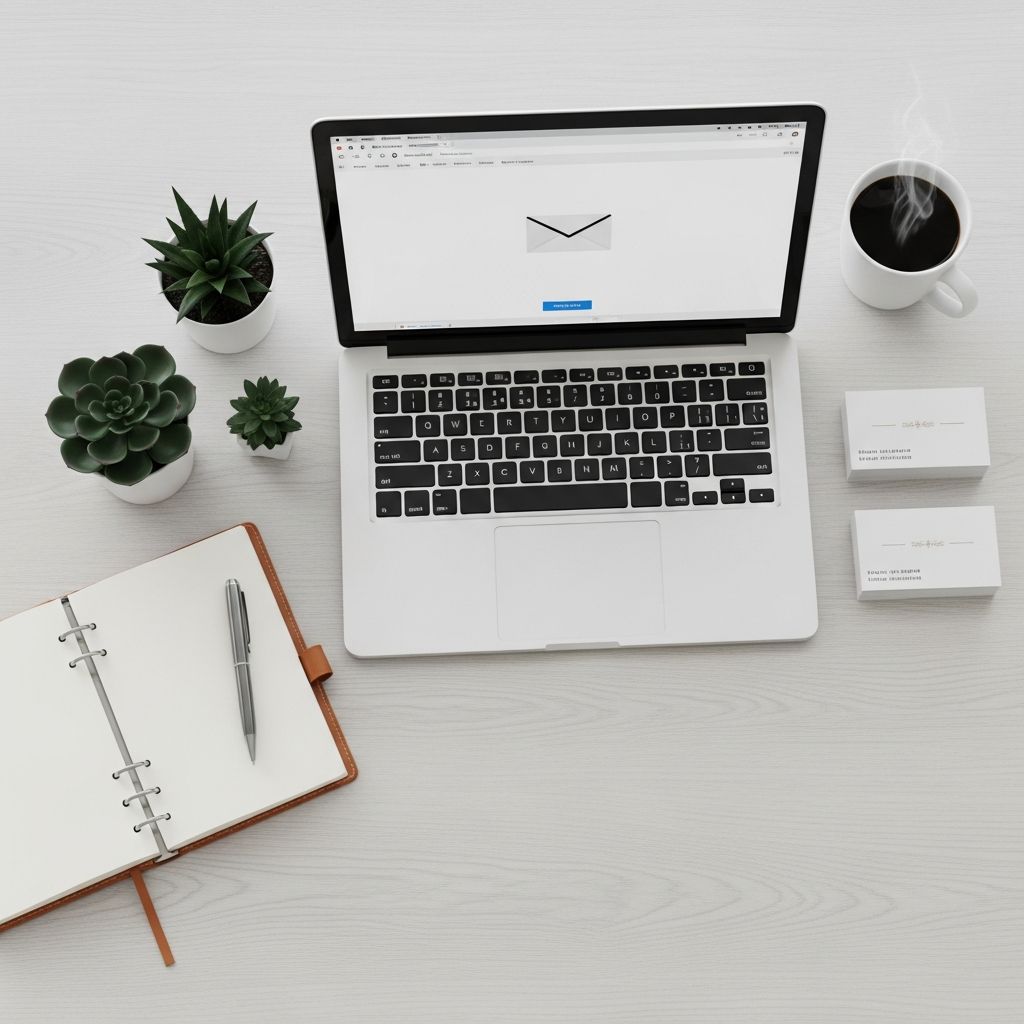
Effective email communication forms the backbone of modern professional interactions. With inboxes overflowing daily, adhering to email etiquette distinguishes competent professionals from the rest. This guide outlines 25 essential rules drawn from established best practices to help you craft messages that are clear, respectful, and impactful.
Foundations of Professional Email Setup
Before composing any message, ensure your email foundation is solid. A professional email address sets the tone for all correspondence. Opt for formats like firstname.lastname@domain.com rather than casual or quirky handles, as they convey seriousness and approachability.
Standardize your formatting to enhance readability. Use a clean font such as Arial or Times New Roman at 10-12 point size, avoid excessive colors or graphics, and maintain single spacing with paragraph breaks. This mirrors business letter conventions and respects the recipient’s time.
Perfecting the Subject Line
The subject line is your email’s headline—it must grab attention and inform instantly. Craft it to be specific, concise, and action-oriented. For instance, instead of “Update,” write “Q4 Sales Report Review – Action Needed by Friday.” This boosts open rates and prioritizes your message effectively.
- Keep it under 50 characters when possible.
- Include deadlines or key actions (e.g., “Feedback Requested: Project Proposal”).
- Avoid vagueness like “Hi” or empty phrases.
Clear subjects reduce inbox clutter and demonstrate respect for busy schedules.
Choosing the Right Greeting
Begin every email with a tailored greeting that matches your relationship with the recipient. For superiors or new contacts, use “Dear Mr. Smith” or “Dear Dr. Jones.” Colleagues might receive “Hello Sarah” or “Hi Team.” Always verify the name and title from their signature or profile to personalize accurately.
| Relationship | Greeting Examples |
|---|---|
| Superior/First Contact | Dear [Full Name], Dear Professor [Last Name], |
| Colleague | Hello [First Name], Hi [Team Name], |
| Group | Hello Everyone, Dear Sales Team, |
Avoid generic “To Whom It May Concern” unless absolutely necessary; research alternatives via LinkedIn or company directories.
Structuring the Email Body for Clarity
Keep your core message upfront: state the purpose in the first sentence. For example, “I’m writing to schedule our weekly check-in for Thursday.” Follow with necessary details in short paragraphs, using bullet points for lists to scan easily.
Be concise yet comprehensive—cover all points without rambling. Aim for brevity: if it takes over two minutes to read, consider a call or document instead. Use active voice and direct language to convey confidence.
- Prioritize key requests or questions.
- Break complex info into bullets or numbered steps.
- End with a clear call to action, like “Please confirm by EOD.”
Maintaining Proper Tone and Formality
Tone bridges professionalism and warmth. Match it to the audience: formal for clients (“I appreciate your consideration”), semi-formal for peers (“Thanks for the quick turnaround!”). Steer clear of slang, emojis in formal contexts, or sarcasm, which can misfire without vocal cues.
Incorporate politeness markers like “please,” “thank you,” and “I appreciate.” This fosters positive relationships. Mirror the recipient’s style in ongoing threads for rapport.
Proofreading and Polishing
Never hit send without proofreading. Check for spelling, grammar, punctuation, and tone. Read aloud to catch awkward phrasing. Tools like Grammarly aid, but human review is irreplaceable.
Double-check recipient names, attachments, and links. Compose in a notepad first if prone to hasty sends, then paste into your email client. Errors erode credibility instantly.
Professional Closings and Signatures
End with a courteous sign-off: “Best regards,” “Sincerely,” or “Thank you” followed by your full name. Tailor to context—”Cheers” for close colleagues, more formal otherwise.
A robust signature boosts your brand: include name, title, company, phone, and LinkedIn. Limit to 4-5 lines, no images or quotes. Example:
John Doe
Marketing Manager
ABC Corp
john.doe@abccorp.com | (123) 456-7890
LinkedIn
Advanced Etiquette for Threads and Replies
Limit threads to one topic; start new emails for unrelated matters to avoid confusion. In replies, summarize context at top: “Regarding your question on budget…” Trim old threads to keep messages short.
Use “Reply” over “Reply All” unless everyone needs the response. BCC for large groups or privacy. Enable “Undo Send” (e.g., Gmail’s 30-second window) to avert mishaps.
Handling Attachments, Links, and CC/BCC
Reference attachments explicitly: “See attached Q3 report.” Hyperlink text instead of raw URLs for cleanliness (e.g., View Report). Keep files under 10MB; use cloud links for larger ones.
CC for awareness, BCC to hide recipients or protect privacy in mass emails. Only include necessary parties to prevent overload.
Timing, Frequency, and Response Etiquette
Send during business hours (9 AM-5 PM recipient’s time zone). Avoid weekends or late nights unless urgent; flag as such. Respond within 24-48 hours, sooner for high-priority. If delayed, acknowledge: “Apologies for the delay; here’s the update.”
Don’t demand instant replies; set expectations: “Please reply by Tuesday if possible.”
Avoiding Common Pitfalls
- No ALL CAPS: It screams; use bold or italics for emphasis.
- Skip abbreviations: Write “you” not “u”; full sentences always.
- No jokes or sensitive topics: Email lacks nuance; save for calls.
- Confidentiality: Never share private info without encryption.
Email Etiquette in Remote and Global Teams
For virtual teams, note time zones in signatures or subjects (e.g., “[EST] Meeting Invite”). Use inclusive language and clarify acronyms. In global contexts, err formal to respect cultural norms.
Frequently Asked Questions (FAQs)
What if I make an etiquette mistake?
Apologize briefly and correct: “Sorry for the unclear subject earlier—here’s the revised one.” Learn and move on.
Can I use emojis in professional emails?
Sparingly with peers (👍 for quick thanks), never in formal or client emails.
How formal should I be with new contacts?
Start formal (“Dear Ms. Lee”), adjust based on their replies.
What’s the best way to follow up?
Reference prior email: “Following up on my June 15 note regarding the proposal.” Keep polite and spaced 3-5 days.
Should I always include a signature?
Yes, especially to unknown recipients for easy contact info.
Implementing These Rules for Long-Term Success
Practice consistently: review sent emails weekly. Train teams via workshops. These habits not only streamline communication but elevate your professional image, fostering trust and efficiency across your career.
References
- 19 Email Etiquette Rules to Know, With Examples — Grammarly. 2023-05-15. https://www.grammarly.com/blog/emailing/email-etiquette-rules-to-know/
- 28 Email Etiquette Rules for the Workplace — Indeed.com. 2024-02-10. https://www.indeed.com/career-advice/career-development/email-etiquette
- 10 Rules for Email Etiquette — The Law Society of NSW. 2023-11-20. https://www.lawsociety.com.au/resources/resources/career-hub/10-rules-email-etiquette
- Email Etiquette — Purdue OWL. 2024-01-05. https://owl.purdue.edu/owl/general_writing/academic_writing/email_etiquette.html
- Professional Email Etiquette — Tufts University Career Center. 2023-09-12. https://careers.tufts.edu/resources/professional-email-etiquette/
- 8 Email Etiquette Tips – How to Write Better Emails at Work — Harvard Business Review (YouTube). 2021-07-07. https://www.youtube.com/watch?v=1XctnF7C74s
Similar Articles







Read full bio of medha deb