Overcome Email Overload: Habits Blocking Inbox Zero
Discover 12 common pitfalls derailing your email productivity and proven strategies to achieve a clutter-free inbox in 2026.
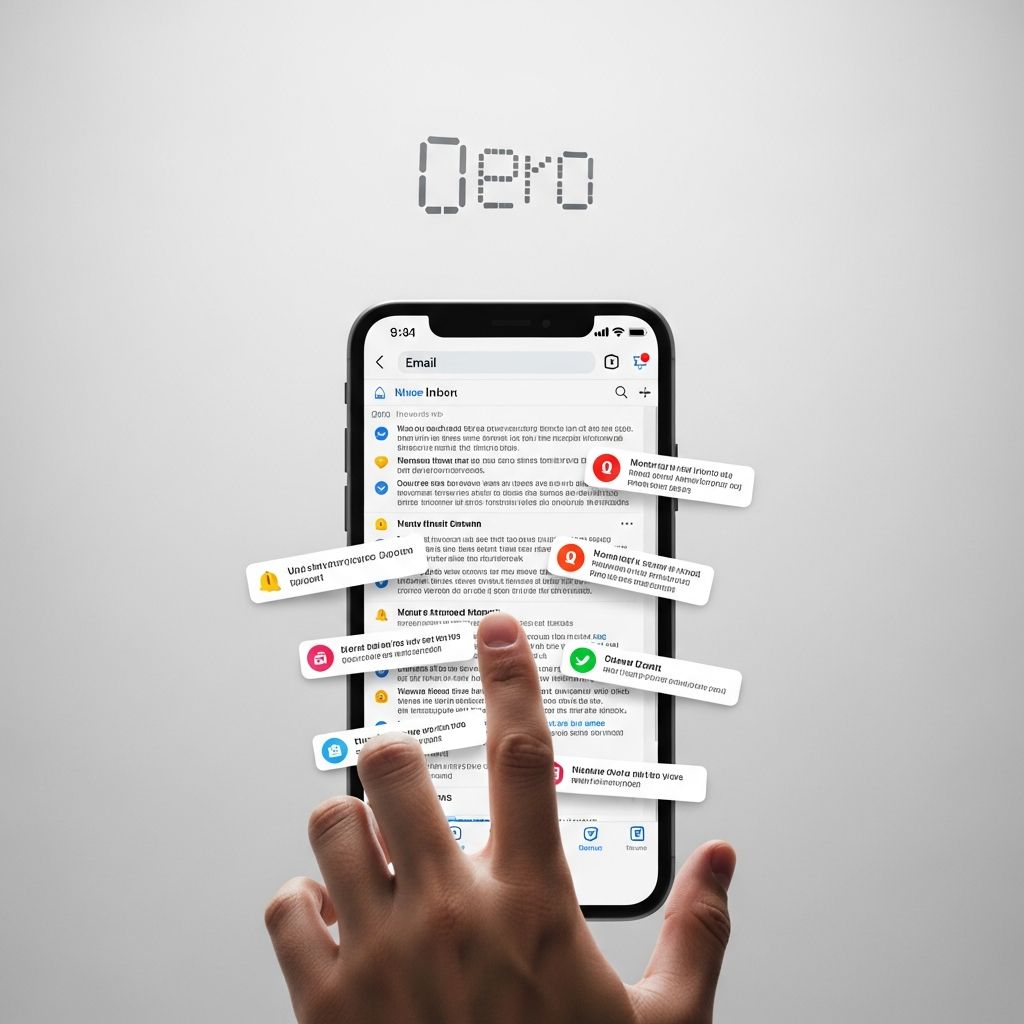
Reaching
inbox zero
—that coveted state where your email inbox holds no unread or unprocessed messages—feels elusive for many professionals. Yet, it’s achievable with disciplined habits. Common behaviors quietly undermine this goal, turning your inbox into a chaotic repository of distractions. This article exposes 12 such pitfalls and offers practical countermeasures drawn from proven email strategies.Why Inbox Zero Matters in 2026
In today’s hyper-connected world, email remains a primary communication tool, but unchecked volume leads to burnout. Studies show professionals spend up to 28% of their workday on email, often reactively rather than productively. Mastering your inbox frees mental space for high-value tasks, reduces stress, and sharpens focus. The key lies in identifying and eliminating counterproductive routines.
1. Constant Inbox Monitoring
The compulsion to refresh your inbox every few minutes fragments attention and spikes stress. Notifications hijack your workflow, pulling you into low-priority tasks. Instead, batch check-ins: designate three 15-minute slots daily—morning, midday, evening—to process emails comprehensively. Disable alerts outside these windows to protect deep work periods.
- Turn off push notifications on all devices.
- Use ‘Do Not Disturb’ modes during focus hours.
- Schedule auto-replies indicating response times.
2. Neglecting Unsubscribe Discipline
Marketing newsletters and promotional blasts accumulate, bloating your inbox. Failing to unsubscribe perpetuates this cycle. Commit to immediate action: scan sender lists weekly and opt out ruthlessly. Tools like one-click unsubscribe features in apps streamline this. Aim to halve promotional emails monthly.
3. Poor Handling of Group Communications
Team emails copied to entire groups waste collective time as irrelevant recipients sift through them. Opt for shared inboxes where designated responders handle queries, reducing duplication. Define clear protocols: who responds to what, preventing everyone from addressing the same issue.
4. Ignoring Folder and Filter Systems
A flat inbox overwhelms with undifferentiated messages. Custom folders, labels, and filters sort incoming mail automatically—e.g., route newsletters to ‘Read Later,’ bills to ‘Action Required’. Most providers allow rule-based automation: set filters by sender, subject, or keywords for instant organization.
| Filter Type | Example Rule | Destination |
|---|---|---|
| Sender-Based | From: newsletter@company.com | Promotions Folder |
| Keyword | Contains ‘Invoice’ | Bills Label |
| Priority | Starred or Flagged | Top Priority |
5. Repetition Without Templates
Typing similar responses repeatedly—e.g., meeting confirmations or standard queries—eats time. Canned responses or templates save effort: pre-write common replies and insert with a shortcut. In Gmail, enable this via Labs; other clients have equivalents. Customize for tone while standardizing structure.
6. Over-Reliance on Native Clients
Built-in email apps lack advanced automation. Third-party tools like Clean Email or Boomerang offer bulk actions: auto-archive old threads, block senders, snooze messages. Integrate extensions for scheduled sends, read receipts, and AI summaries to elevate efficiency.
7. Emotional Reactivity in Replies
Sending emails in haste, fueled by frustration or urgency, leads to miscommunications and follow-ups. Pause to gauge emotions: wait 5-10 minutes before responding to heated threads. Proofread for clarity and tone—90% of errors are preventable with a quick review.
8. Vague or Overlong Messages
Emails lacking clear structure bury recipients in verbiage. Adopt brevity: use bullet points, numbered lists, and bold key actions. Summarize long threads at the top, assign tasks explicitly (e.g., ‘@John: Review by EOD’), and end with next steps.
- Subject: Precise and action-oriented.
- Body: 3-5 sentences max for routine mails.
- Close: CTA like ‘Reply if urgent; otherwise, assume approved.’
9. No Segmentation for Contacts
Treating all recipients uniformly results in irrelevant sends, prompting unsubscribes. Segment lists by behavior—engaged vs. inactive—and tailor content. Double opt-in ensures quality subscribers; automate tags for preferences during signup.
10. Skipping Lifecycle Automation
Manual follow-ups miss opportunities. Set welcome sequences for new contacts, nurture drips for leads, and reactivation campaigns for dormant ones. Tools trigger these based on opens/clicks, ensuring timely relevance without constant oversight.
11. Boundary Violations After Hours
Emails sent or checked outside work hours erode work-life balance. Establish norms: no sends post-6 PM unless urgent; use delay features. Teams with ‘no-email zones’ report higher engagement. Lead by example to foster culture-wide adoption.
12. Neglecting List Hygiene
Stale lists degrade deliverability and engagement. Regularly clean: remove bounces, inactives; re-engage potentials. Compliance with regulations like CAN-SPAM mandates this, avoiding spam traps and preserving sender reputation.
Building Your Inbox Zero Framework
Transform habits into a system: process emails via the ‘2-Minute Rule’—handle quick tasks immediately, delegate or defer others. Weekly reviews archive/delete old items. Track progress: aim for zero at day’s end.
- Morning batch: Scan and triage.
- Intraday: Quick responses only.
- Evening: Full process to zero.
- Weekly: Deep clean and refine filters.
Tools and Tech for 2026
Leverage AI-driven apps for auto-categorization, smart replies, and predictive sorting. Mobile optimization ensures accessibility without constant checks. Combine with productivity suites for seamless calendar integration.
Frequently Asked Questions (FAQs)
What is inbox zero, and is it realistic?
Inbox zero means processing all emails to zero unhandled items daily. Yes, realistic with batching and tools—many executives achieve it.
How often should I check email?
3-4 times daily in 15-minute batches, disabling notifications otherwise.
Can automation replace manual sorting?
Largely yes—filters, labels, and apps handle 80% of routine tasks.
What if my team resists changes?
Model behaviors, share benefits, and implement shared norms gradually.
How do I handle high-volume inboxes?
Prioritize by sender/urgency, use search over scrolling, and unsubscribe aggressively.
Final Thoughts on Email Mastery
Eliminating these habits paves the way to inbox zero, unlocking productivity gains. Start small: pick 3 changes this week. Consistent application yields a calmer, more controlled digital life.
References
- Email Management Best Practices at Work For 2026 — Clean Email. 2026. https://clean.email/email-management-best-practices
- Email best practices for 2026 (and how to win at email) — Touchbase Pro. 2026. https://www.touchbasepro.com/email-best-practices-for-2026-and-how-to-win-at-email/
- 40 Email Best Practices Every Professional Needs to Know — EmailAnalytics. 2026. https://emailanalytics.com/email-best-practices/
- Email List Management: Tutorial & Best Practices [2026] — Mailtrap. 2026. https://mailtrap.io/blog/email-list-management/
- The Ultimate 2026 Email Productivity Guide — GetMailbird. 2026. https://www.getmailbird.com/ultimate-email-productivity-guide/
Similar Articles







Read full bio of medha deb