Streamline Lesson Planning: Save Time and Teach Better
Discover proven strategies to create effective lesson plans faster, reduce stress, and focus more on inspiring your students.
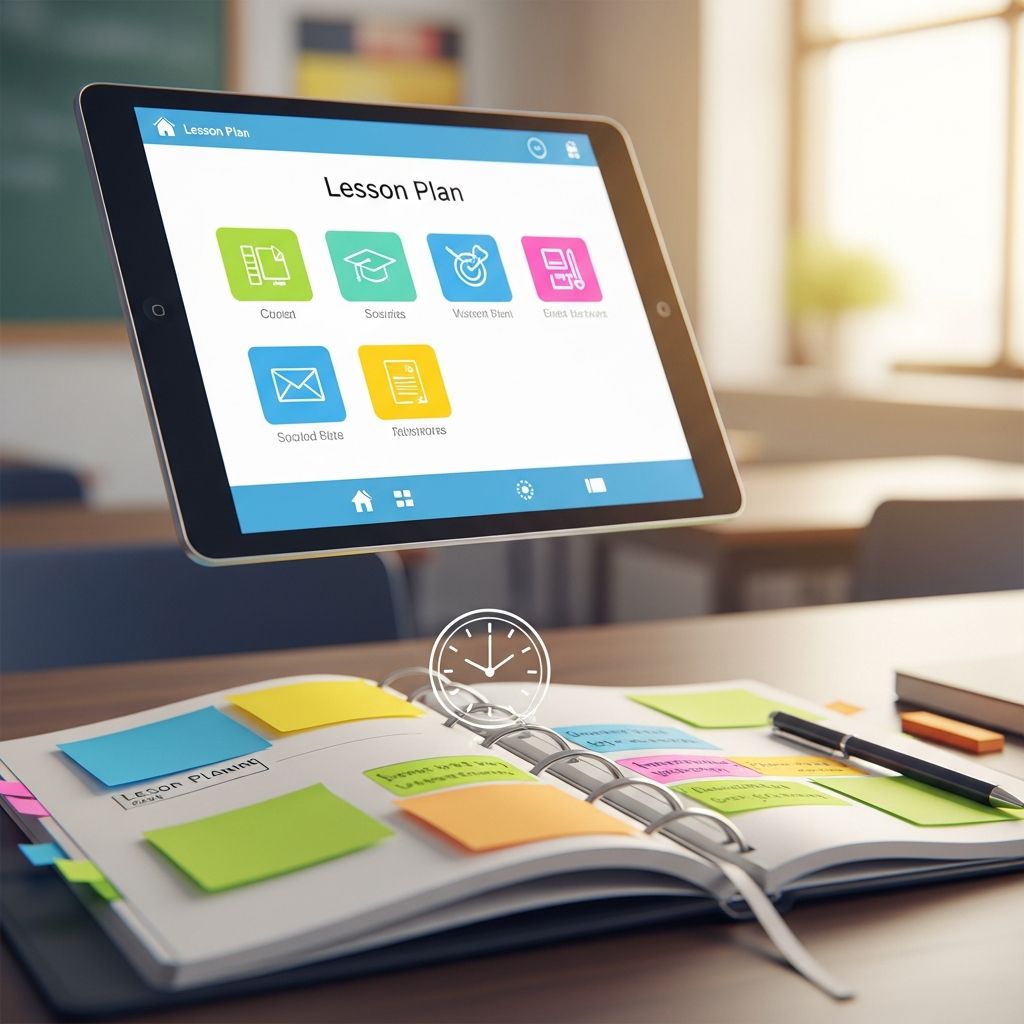
Effective lesson planning is the backbone of successful teaching, yet it often consumes excessive time that teachers could spend on instruction, student interaction, or personal recharge. By adopting smart strategies, educators can cut planning time dramatically without sacrificing quality. This article explores original workflows, digital aids, and organizational hacks drawn from proven educational practices to help you plan smarter, not harder.
Establish a Dedicated Planning Rhythm
Consistency transforms chaotic planning into a predictable routine. Designate specific blocks of time each week solely for this purpose, treating them as non-negotiable appointments. For instance, reserve Thursday afternoons or your conference period to outline the upcoming week’s lessons. This focused approach prevents last-minute scrambles and allows Friday for material preparation.
Early-career teachers might extend this over two days when handling multiple subjects, gradually refining as experience grows. The key is prioritizing planning early in the week, freeing weekends for rest or professional growth. This rhythm not only saves time but elevates lesson depth, leading to more engaging classroom experiences.
Prioritize Learning Goals Before Details
Begin every plan with clear, prioritized objectives. Ask: What must students master today? Rank concepts by importance to guide time allocation and adaptability. If time runs short, non-essential elements can be deferred without derailing progress.
This big-picture mindset aligns daily activities with broader curriculum goals. Collaborate with grade-level colleagues to map yearly overviews, then drill down to units and lessons. Each session should target specific outcomes, ensuring purposeful instruction over filler activities.
- Identify 3-5 core skills or ideas per lesson.
- Rank them: Essential vs. supplementary.
- Build flexibility: Prepare backup examples for quick swaps.
Leverage Reusable Templates and Formulas
Avoid reinventing the wheel by using customizable templates. These structured formats—covering objectives, activities, timing, and assessments—let you plug in content rapidly. Treat lessons as formulas: Introduction + Practice + Application + Review, adaptable across topics.
Digital templates in Google Docs or Notion streamline updates, while physical planners provide tactile organization. Once created, reuse and tweak them weekly, slashing prep from hours to minutes. This method fosters consistency and prevents blank-page paralysis.
| Template Section | Purpose | Time Saved |
|---|---|---|
| Objectives | Define success criteria | 10-15 mins |
| Activities Timeline | Allocate time slots | 20 mins |
| Materials List | Quick prep checklist | 15 mins |
| Assessment | Measure understanding | 10 mins |
Integrate AI for Rapid Idea Generation
Artificial intelligence tools like ChatGPT revolutionize brainstorming. Use targeted prompts to generate differentiated activities, worksheets, or engagement hooks in seconds. For example: “Create a 45-minute math lesson on fractions for 4th graders with hands-on elements.” Refine outputs to fit your style.
AI excels at personalization—adapting for diverse learners or creating rubrics—freeing you for high-level design. Combine with your expertise to ensure relevance, turning hours of ideation into efficient sessions. Ethical use emphasizes augmentation, not replacement, of teacher judgment.
Build a Centralized Resource Hub
Eliminate hunting through tabs and folders with a single dashboard. Tools like Notion pages or shared Google Drives house curriculum links, TPT resources, Pinterest boards, and files. Tag by subject and week for instant access.
Include sections for reusable assets: anchor charts, PowerPoints, and printable packets. This ‘one-stop shop’ cuts search time by 50%, enabling focus on creativity. Team dashboards enhance collaboration, syncing plans across grades.
Master Material Inventory and Prep
After outlining lessons, compile a master materials list. Scan day-by-day, noting copies (with quantities and pages), digital files, and props. Use sticky notes or apps for this ‘brain dump,’ making Friday prep seamless.
Organize physically with labeled bins or drawers for weekly pulls. Prep anchor charts, laminate frequently used items, and batch-print to avoid mid-week disruptions. This forward-thinking prevents oversights and supports smooth execution.
- Digital: Queue print jobs Thursday evening.
- Physical: Sort by day in portable caddies.
- Tech: Pre-load student devices if applicable.
Craft Realistic Timelines with Buffer Zones
Time each segment generously: Add 20% buffer to estimates for transitions, questions, or extensions. Structure as: 5-min hook, 20-min direct instruction, 15-min practice, 5-min closure.
End with reflection time and cleanup. Display agendas on boards to keep students oriented, fostering autonomy. Flexibility is key—pivot based on real-time needs rather than rigid scripts.
Avoid Overplanning: Focus on Essentials
Less is more. Resist hoarding free downloads; select only gap-fillers. Plan core elements first, printing judiciously to curb overwhelm.
This ‘minimal viable plan’ leaves room for teachable moments and student-led inquiry, boosting engagement over packed schedules. Quality trumps quantity every time.
Harness Team Collaboration
Joint planning divides labor. Share standards-aligned units via shared docs, dividing research or adaptation tasks. Regular check-ins align pacing and innovate collectively.
Even solo teachers benefit from online communities or admin-provided frameworks, accelerating personalization.
Refine Through Feedback Loops
Post-lesson, note what worked. Solicit student input: “What helped you learn? What to tweak?” Adjust templates accordingly.
Track patterns quarterly to evolve your system, ensuring continuous improvement without added time.
Frequently Asked Questions (FAQs)
What if I teach multiple subjects?
Block time per subject sequentially, using templates to maintain momentum. Start with high-prep areas first.
Can AI replace my planning?
No—AI generates ideas, but your expertise tailors them to students. Use as a accelerator.
How do I stay flexible?
Prioritize objectives, prepare alternates, and build buffers. Adapt on the fly.
What’s the best planner tool?
Choose digital (Notion) for searchability or paper for focus—test what fits your workflow.
How much time should planning take?
Aim for 2-4 hours weekly with practice, scaling by experience and class size.
Weekly Workflow Checklist
- Thursday: Outline objectives, fill templates, list materials.
- Friday AM: Print, assemble, organize.
- Monday: Review and tweak based on prior week.
- Ongoing: Update dashboard, gather feedback.
Implementing these strategies yields profound shifts: reclaimed evenings, energized teaching, and deeper student connections. Start small—pick one tactic this week—and build from there.
References
- Write Lesson Plans Quickly and Effectively with this Workflow — The Simply Organized Teacher. 2023-10-15. https://thesimplyorganizedteacher.com/lesson-planning/
- The 3 Tools You Need to Make Lesson Planning Faster — The Simple Classroom. 2025-03-08. https://thesimpleclassroom.com/blog/2025/3/8/the-3-tools-you-need-to-make-lesson-planning-faster
- Strategies for Effective Lesson Planning — University of Michigan CRLT. 2024-01-12. https://crlt.umich.edu/gsis/p2_5
- Develop Effective and Engaging Lesson Plans — ExploreLearning. 2024-05-20. https://www.explorelearning.com/resources/insights/effective-engaging-lesson-plans
- How to move out of the day-by-day lesson planning trap — Truth for Teachers. 2023-11-05. https://truthforteachers.com/truth-for-teachers-podcast/day-by-day-lesson-planning-trap/
- 5 Tips to Improve Your Lesson Plan — National Education Association (NEA). 2024-08-15. https://www.nea.org/professional-excellence/student-engagement/tools-tips/5-tips-improve-your-lesson-plan
Similar Articles






Read full bio of Sneha Tete